ScanNCut Canvas: Converting an SVG file

DSC_5252

Disclosure: I am a paid consultant for Brother International Corporation and have received a ScanNCut from Brother to evaluate. However, the opinions expressed are entirely my own and based on my use of the product

Hey guys! So you know I do all kinds of things with my ScanNCut from using the built-in designs to doodling my own. One thing I have only done once or twice is to buy an .svg file and use that. Oh, but you can! So today I want to show you how quick and easy that is.

Brother has a (free) site known as ScanNCut Canvas where you can convert any .svg file to a file that can be read and cut by the ScanNCut machine. First you log in and this screen pops up:
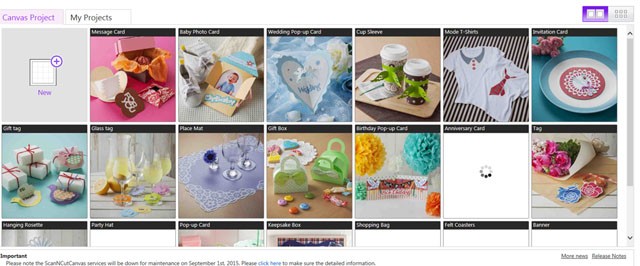
2

For today, we’ll click the “new project” at the top left and then click “import SVG” I never have to remember which button because SVG is right there on the screen.
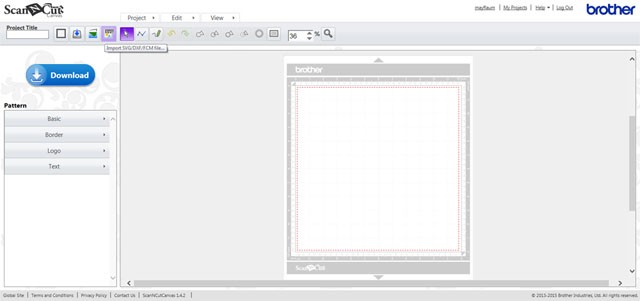
4 copy

Next up? Import whatever file it is you’re wanting to convert.
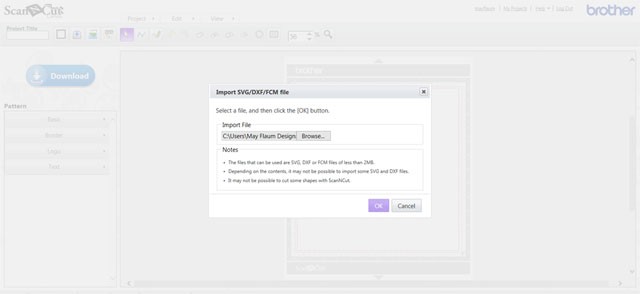
7

Bam! There is my design. It re-sized automatically it because the original file was bigger than 12″ – great!
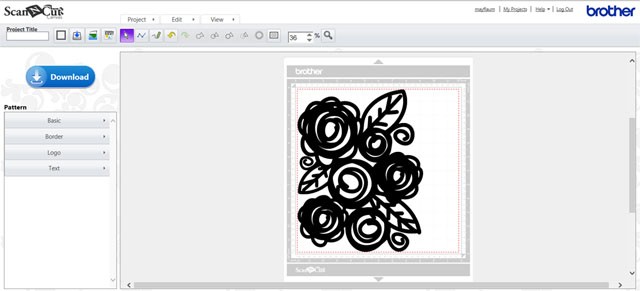
5

This file by Ashley Horton is perfection as-is so I am ready to save no edits needed. I will leave it this big – I can always size it down when cutting on the machine! So to save just click that big download button. You don’t have to remember this part – it’s all listed right there which I LOVE because I am never good at remembering tech stuff. Basically you just “save target as” and make sure you’ve got a USB drive in the computer so you can then name and save the file.
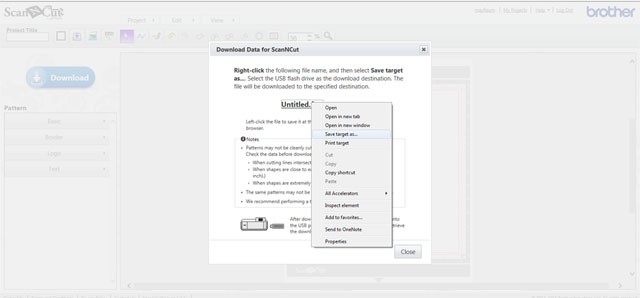
6

Then just take your USB drive and you can insert that into your ScanNCut! I don’t have any other .svg to convert, but if I had a number of those I think I’d do some in batches and have them ready to cut on my USB drive. The process took less than 2 minutes – super easy and I am glad because I am easy or not at all on this kind of thing!
DSC_5258 copy

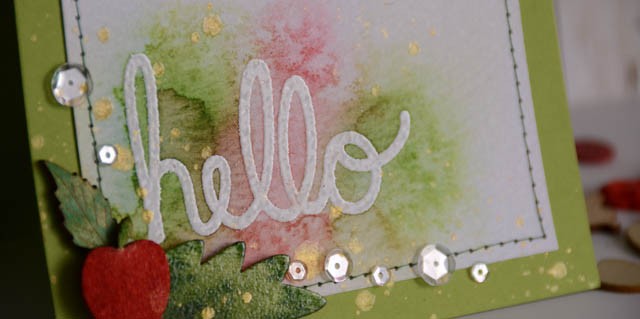
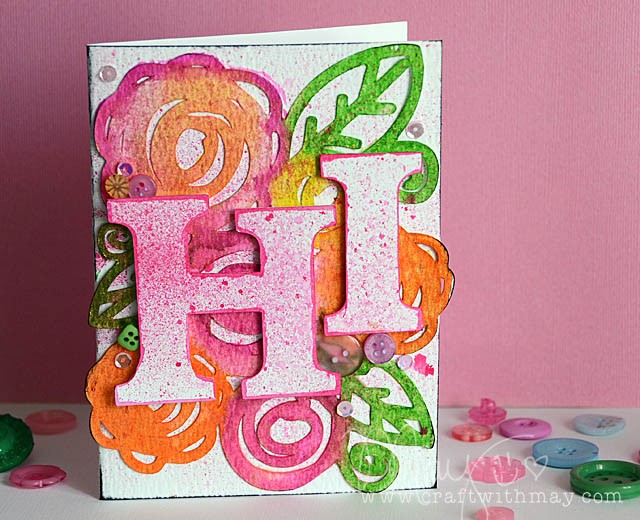
Here’s the card I made after cutting out the design (much smaller than saved version – about 4×6) watercolored and layered with a funky hi. So many possibilities… what shall I create  next?
Citrus with a Twist

DSC_4385

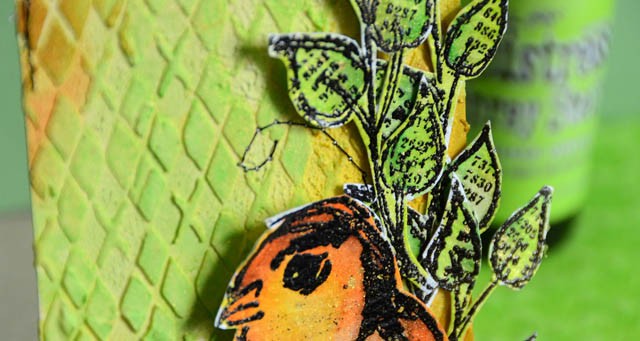
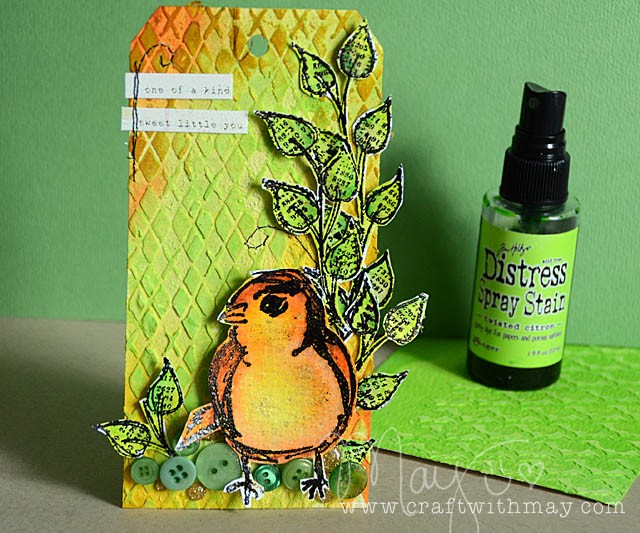
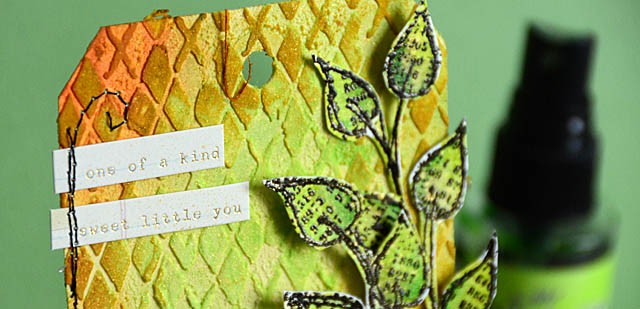
This week’s challenge was citrus – so I grabbed my orange, yellow, and of course “twisted citron” distress. I sprayed my tag down, then added paste and misted again! Loving the texture I got here in the background.

DSC_4382

Then for my bird it was all about the watercolor paper and fluid colors (same with leaves)  and what a good time I had getting crazy with a color palette I don’t normally use. Now I’m hungry for a good orange, tangerine, or maybe some lemon lime soda!

DSC_4378 copy

Supplies Used:


50dollar_voucher_600px

Now it is your turn! Simon is offering a generous $50 voucher that will be randomly drawn from the eligible entries each week. Join the fun by creating a project this week – and for your chance to win a $50 voucher you should hop on over and join in the challenge here.

ScanNCut Back to School Sweepstakes!

Disclosure: I am a paid consultant for Brother International Corporation and have received a ScanNCut from Brother to evaluate. However, the opinions expressed are entirely my own and based on my use of the product.

766737_5

If you wanna win a ScanNCut… this would be a good time to head on over here for all the details!  That thanks card in the photo above might look familiar – because it’s one of mine! You can view the original blog post I did with full video tutorial here.

Want more?

apple_1

I also have a brand new tutorial up for the Brother ScanNCut site! (downloadable how-to here, and you can watch the video on their site or on YouTube here!) This apple might be my favorite – I so need to do more with wood veneer paper!

In fact since we’re chatting just a good thing to note they have LOADS (many by yours truly) of project tutorials, downloadable instructions, and videos on the ScanNCut site. I’m here in the studio today finishing up some tutorials to share with you featuring the ScanNCut – so stay tuned!


First day of school teacher cards

First of all pause: How am I the mom to a 3rd and 5th grader?! I really don’t know how time went and flew so fast…

card1_detail

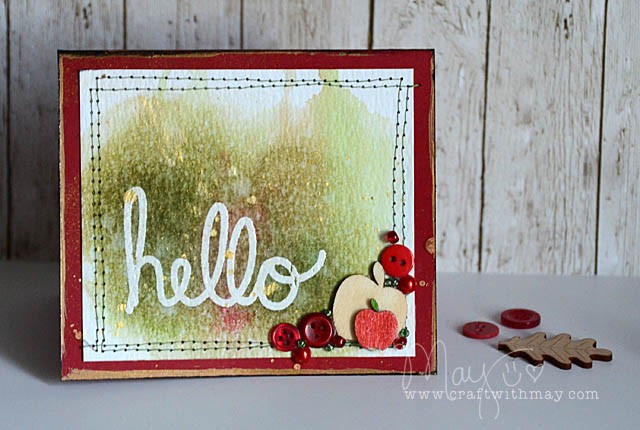
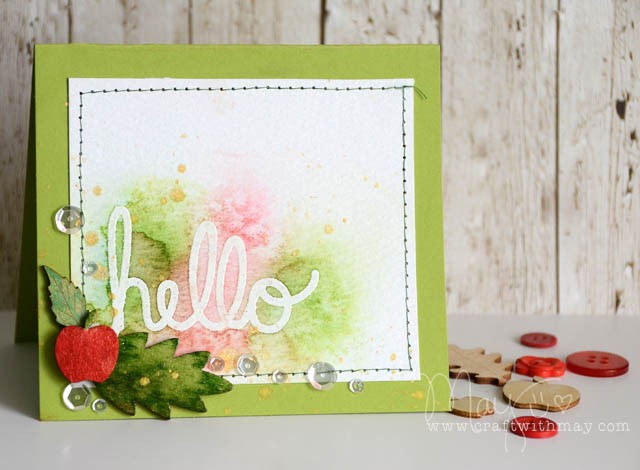
More than once I’ve thought to myself that I ought to drop a hello note introducing myself and thanking (in advance) the teachers on the first day. Thing is… I always think this thought oh as I’m driving home after the first day.

No more! So on the final day of summer break I sat down with a “hello” stamp (old one from Elle’s Studio) and played for a while.

card2_blog

The cards you see here are the 4th and 5th attempt. #1-3 were bombs! That’s ok! I was trying a few different things and I’m always happy to do tests and trials with new ideas most especially.

card1_blog copy

But wait, there’s more! I created a tutorial so if you’d like to watch my process here you go! (link to YouTube)

Now, off to school and to drop these cards!

card2_detail