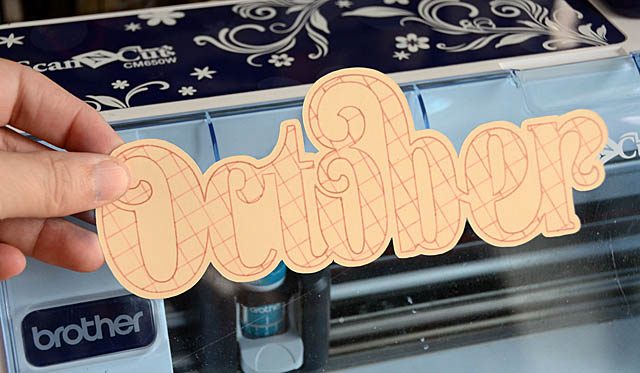
ScanNCut: Fill Pattern

dsc_8214

How is it mid-October? The weeks are flying by in this my busiest and favorite month. I’ve been working on some tremendously fun projects for Brother. I am a paid consultant with them, and do create both content and projects as well as test stuff out with the ScanNCut – a job and product I ADORE! Anyhow the newest “yay” is playing with the features that are in the software update.  Have a ScanNCut? You can update your machine easily and in moments- look for the button at the left side of page to guide you through on the SNC website.

Now when there is a new to me anything, the first thing I do is test it out. Play. Try ideas. See what works. I don’t jump right in expecting finished projects, but rather I relax and take off all pressure!

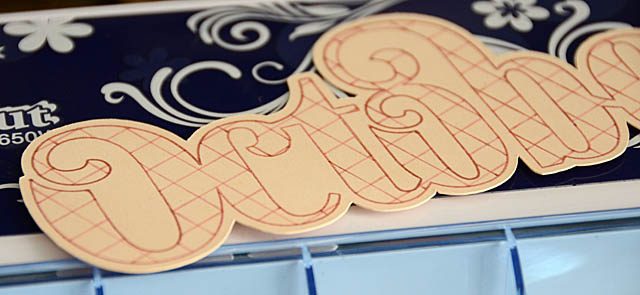
Today I’m sharing a video on “fill pattern” – one of the new features that works with the universal pen holder accessory to add even more fun to your crafting game. Here is a link to my YouTube video.

As you can see it took a bit of adjusting – but that is ok! I kept all the scanning and trial/error in the video to show you not only does it not go perfectly the first time every time, but also that it’s ok to test and experiment! I am working on a fall jar project next that will utilize this technique, as well as some Thanksgiving fun and I will be sure to share those with you (next month).
dsc_8212

In the meantime whether you have a tool or perhaps a color medium you have but haven’t learned yet, I encourage you to bust it out and give it a try today! You may surprise yourself or find a new favorite.
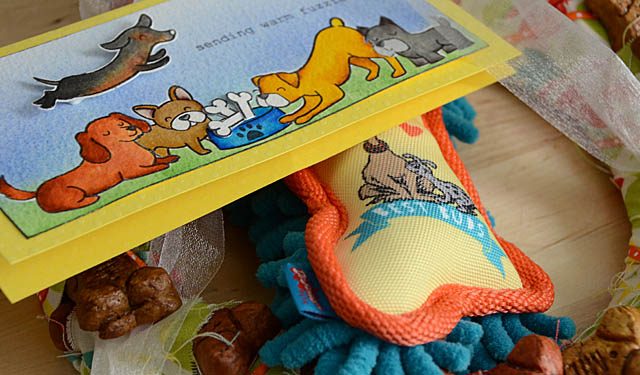
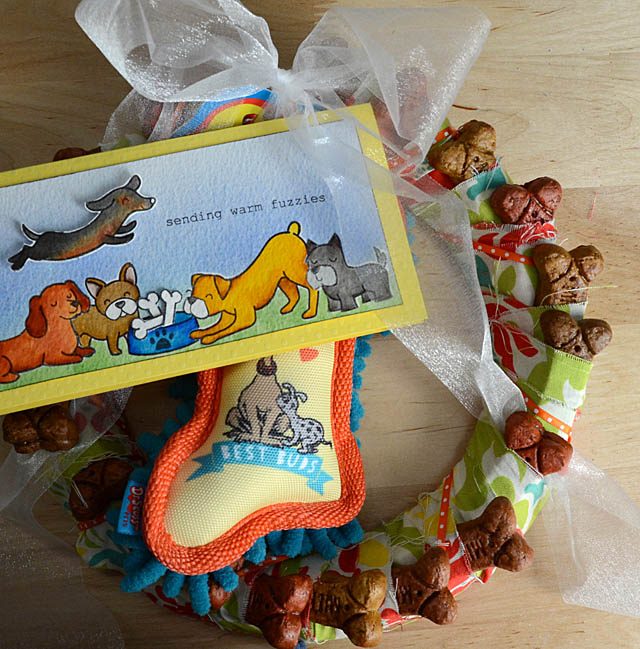
Doggie bone wreath

dsc_7612

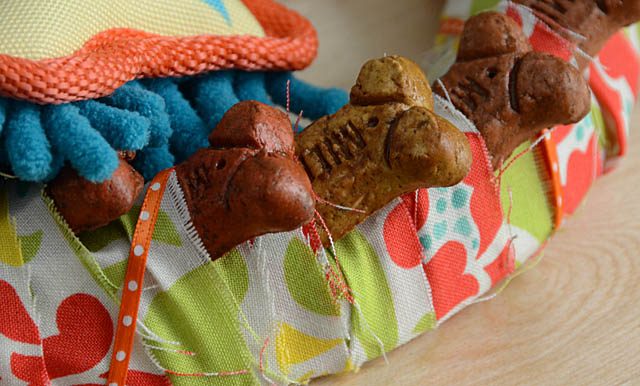
A friend of mine got a new puppy, and I wanted to send her a doggie bone wreath. This is a project that I recall us making when I was a kid and selling at craft fairs – a really simple concept but it is totally dependent on having a perfect circle template. You’ll also want it to be a good width as well. Tool for the job? ScanNCut of course!

dsc_7601

Here is my video (link to YouTube) tutorial video.

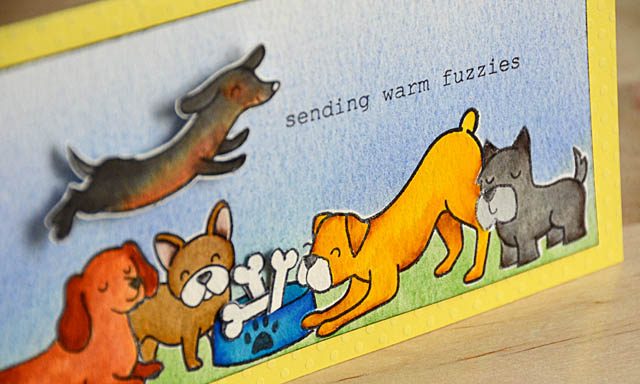
Once done, I added a toy and a card to this before mailing off.

dsc_7587

How to make a card like mine? Check out my post/video from a few weeks back here.

dsc_7621

As you know (and I always disclose) I am a paid consultant for Brother, however all ideas and opinions here on my blog are my own. Oh, and one more thing! ScanNCut has a very limited time discount offer!

snc

They have retailers listed on their website.

Choose Joy: coloring video

dsc_7330

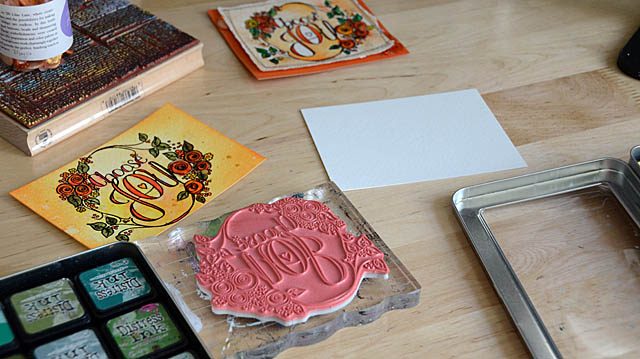
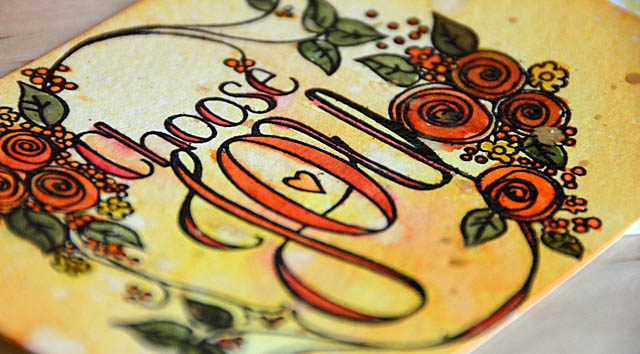
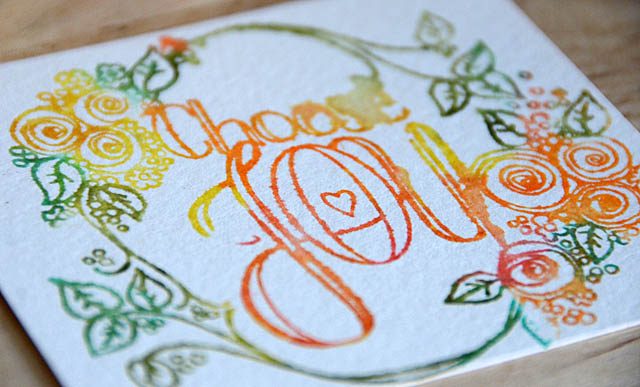
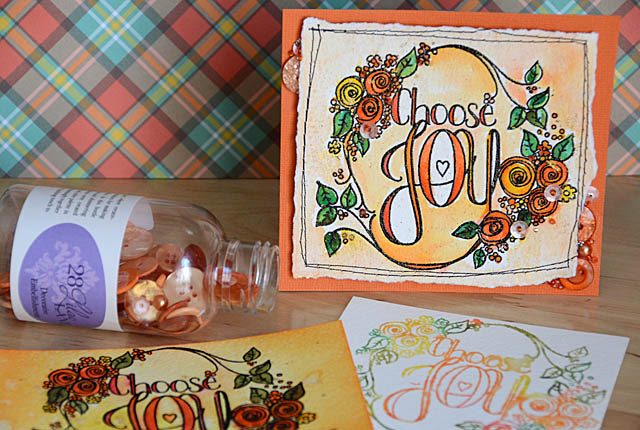
Hey guys! A quick video post here today showcasing a stamp from Tammy Tutterow + various ways of coloring it. I used fall colors and my Pumpkin Spice embellishment bottle as well (affiliate links below).

dsc_7338

When I have a new stamp, I really like to test it out. What can it do? What do various color mediums do when used on it? What way do I like it best? No pressure, just coloring. Here is a link to my YouTube video.

dsc_7340

Coloring multiple inks onto a background or coloring in once stamped, colored or white background… these are just a few options.

dsc_7342

My Pumpkin spice embellishment jar and this Tammy Tutterow stamp are available in stores now including scrapbook.com.

Fairy simple stamping with ScanNCut

dsc_7568

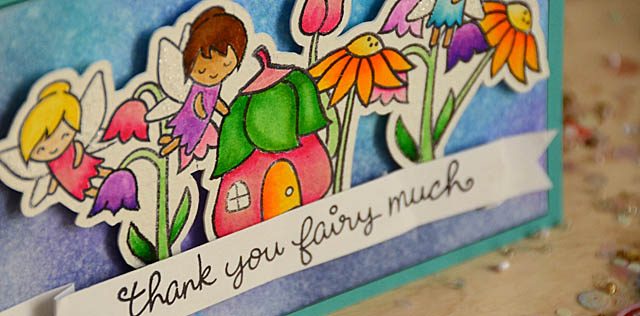
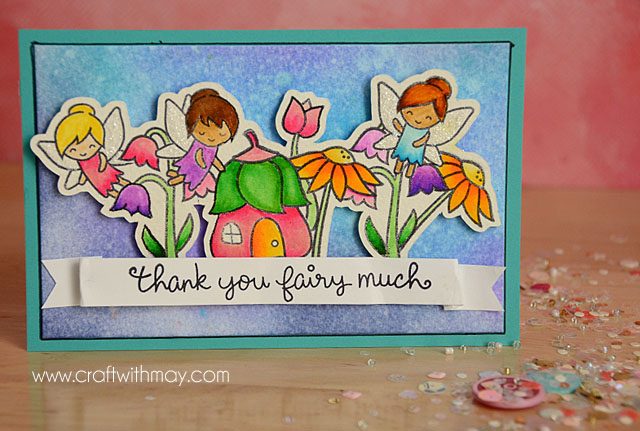
Have you ever had one of those “aha” moments and you just can’t stop wondering why in the world you’d never tried something out before? Well I was playing with masking stamps with my ScanNCut (post on how-to here)  and all of a sudden I thought… whoa. What if I got all the stamps to overlap (thanks to EASY masking) and then cut that whole image out using the ScanNCut. Would that work? Is it too crazy to dream?

Well friends, turns out the only crazy thing is that it took me this long to do it! I am intensely in love with this – and I have visions of Christmas scenes, spooky haunted houses, and sweet garden scenes like this one too! Oh how much fun this is.

dsc_7574

Now before I share my video I remind you (as always) that I am a paid consultant for Brother, but that all ideas and opinions are my own. Just for your information – I disclose that in spirit of full honesty but if you know anything about me or how I roll you know it’s always HONEST here! I adore working with Brother, and oh man I love this machine. Ok, let’s get to the how-to. Here is a link to my YouTube video.

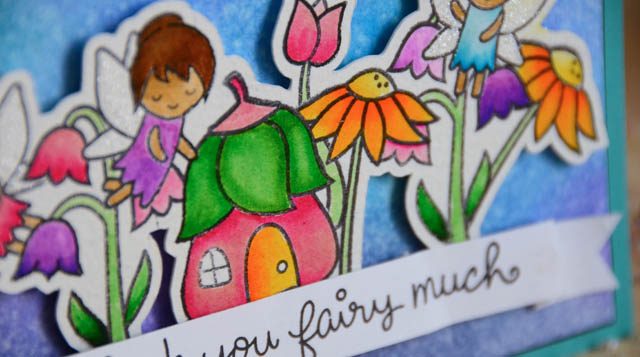
Here is my finished card – it’s so sweet! I love that this technique allowed me to color away, then mount the scene onto any background I might like. This is a bit wider of a margin (.08)- I really love that doing this is an option vs being stuck with one specific size, and I adore that I can make any scene I want and cut it out!

dsc_7577-copy

The only ‘rule’ you’ll want to follow is to ensure every single image is attached to another in some way so that in the eye of the machine scanner brain, it sees “one” outline and not many. Although I suppose you could layer multiple scenes to create even more depth? Oh the possibilities! I hope you’ve enjoyed this as much as I have sharing it. This sweet fairy card is on its way to a dear friend and I am off to dream up some Halloween inspired ways to put this technique to use…

easy canvas home décor

DSC_6683

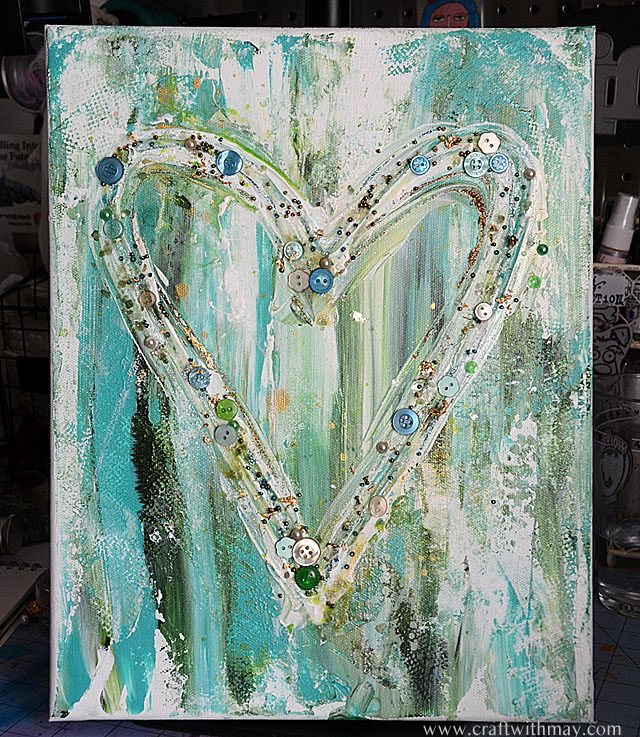
Sometimes projects are really just too easy. This is one such project! The step-by-step is just three steps:

  1. Smear paint across your canvas (multiple colors) in one direction nice and thick!
  2. Use a palette knife to smear the paint into a shape.
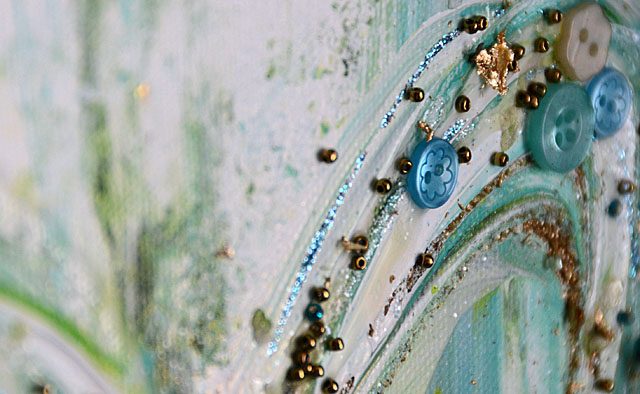
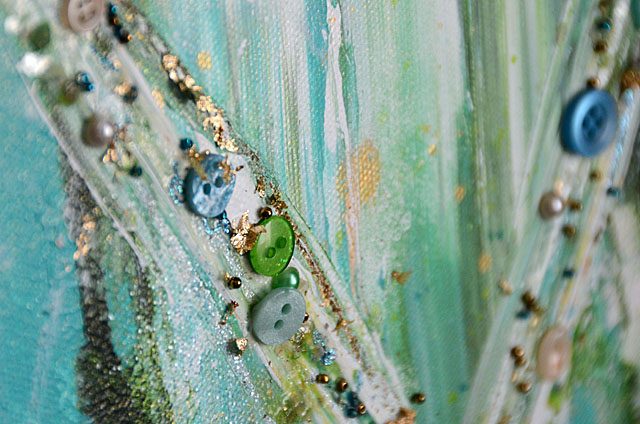
  3. Throw down some liquid adhesive, add embellishments, flick with mist, and done.

DSC_6677 copy

In this case, I went with a heart this will be for my living room. I used my Birds of a Feather embellishment bottle (28 Lilac Lane), gold leafing, Heidi Swapp gold mist, and gold stickles. If you want to add some texture just blot a bit of white paint with a paper towel like I did!

DSC_6685

This project was impossibly fast and easy – and guess what? It’ll be a great wall hanging for a blank wall in the living room. Getting more art into my house that is handmade, and also using some supplies in a quick and easy way! I hope you enjoyed – and have a great weekend!