Loving how this one came out – and how quickly! If you want more scrapbook layout ideas & goodness be sure you’re signed up for my Tried & True class that begins on the 10th! Info is available here – it’s going to be such a jam packed class!
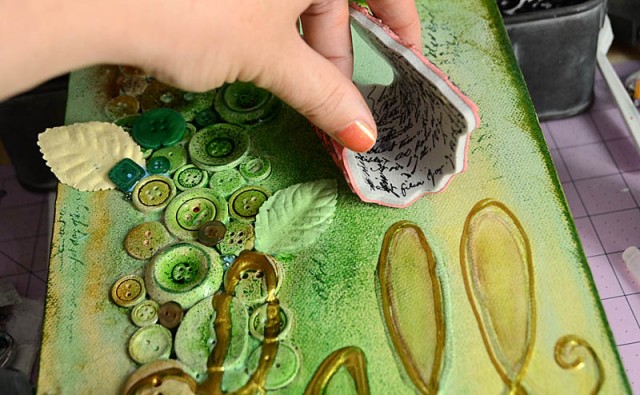
This tutorial is for a large mixed media canvas – full of buttons and fun! the best part about a project like this one is that anyone can do it – just get out your stash and play! I’m currently working on some fall & holiday season (’tis the season!) for them so do stay tuned. Got button questions? Do ask!
Disclosure: I am a paid consultant for Brother International Corporation and have received a ScanNCut from Brother to evaluate. However, the opinions expressed are entirely my own and based on my use of the product.
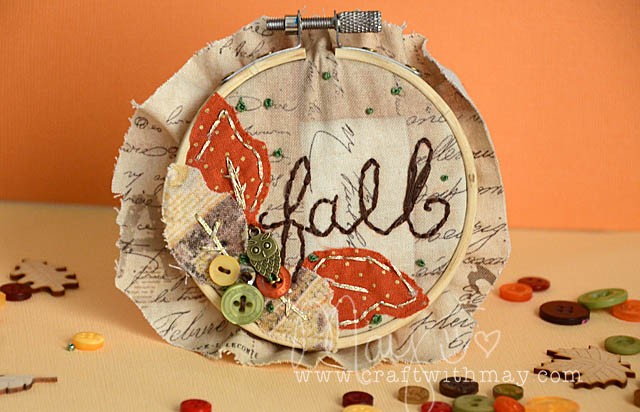
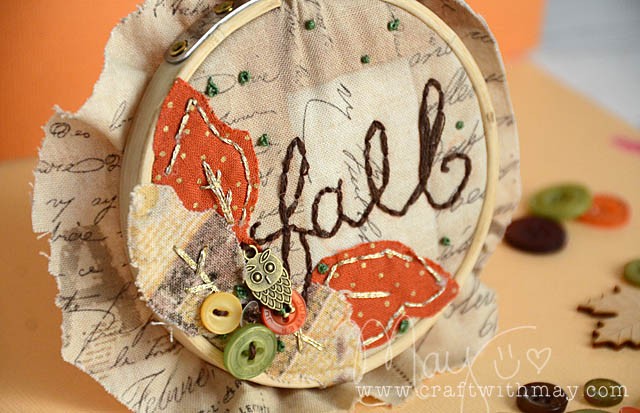
Cutting out my leaves using my ScanNCut, then ironing them to my fabric for this mini hoop proved to be quick, easy, and a great start to what I believe is going to be a thriving new direction! This is my first finished hoop (that I designed on my own) – and I’m loving it!
Of course I need to stitch the excess fabric behind – but I couldn’t wait to share this with you. I just am loving it too much! AS you can see I stitched in gold, green, and brown. Attaching a few items was fun and ties this into my existing mixed media style which I adore.
I have so many ideas still to share – one thing you can be sure is that I’ll be using my ScanNCut to cut out both designs from the machine and custom shapes for my future hoops. This sped up the process so much – no hand designing or cutting for me!
This was a 4″ hoop, but I believe next time I will aim much bigger maybe 8-1o”. Got questions? Or advice if you’re a seasoned expert in this craft? Let me know! I’m excited to learn and grow in a new creative area.
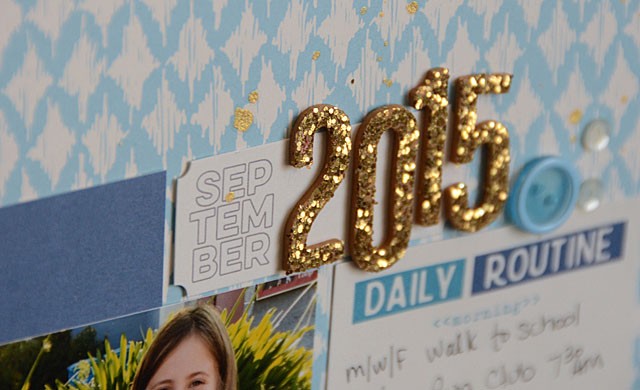
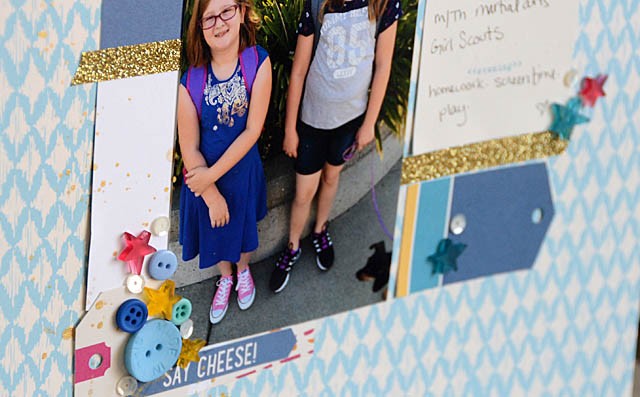
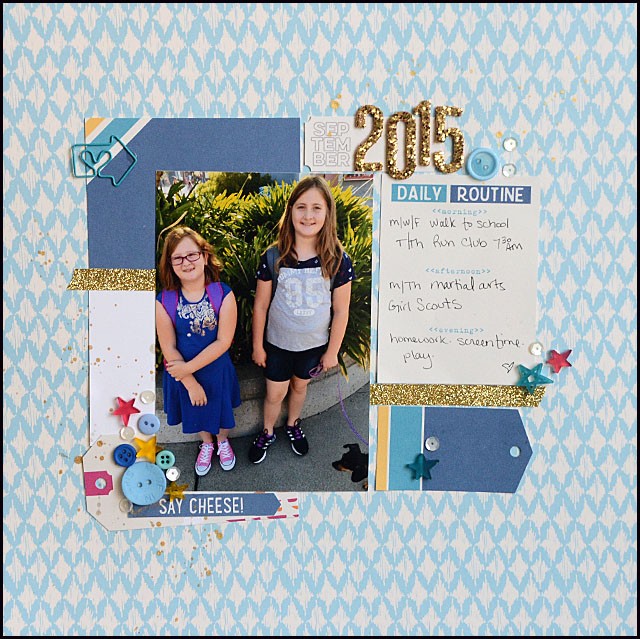
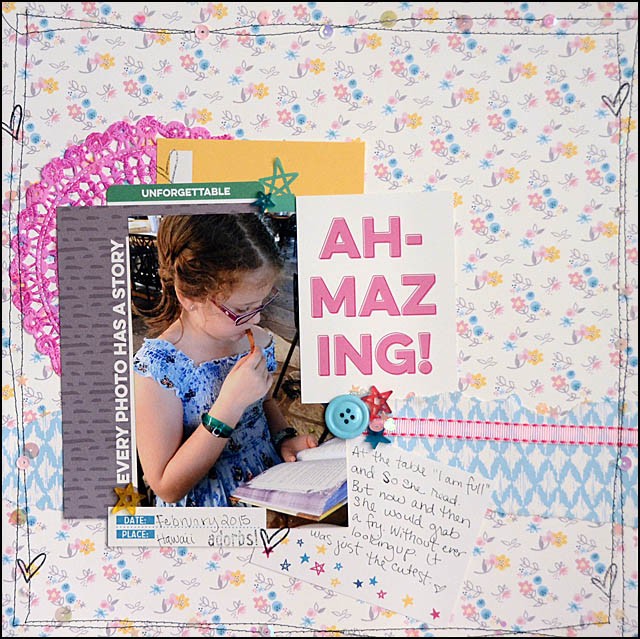
This month I’m featuring the September 2015 Elle’s Studio kit. Here’s a link to my first post. Today I’m back with a short video and layout.
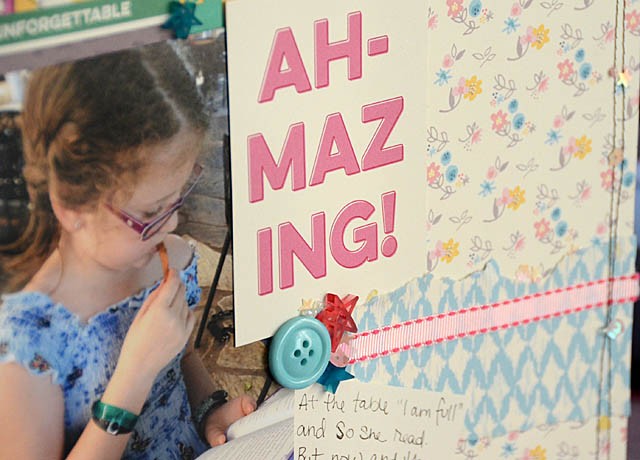
My approach this time was to layer a lot of elements. I think it’s really important when I get a kit that has a bunch of small paper elements to get them used up! So some pieces here I’ve tucked in here and there. I love the results! Also used here is the Thankful paper line (by Elle’s Studio). Here is my YouTube video (link).
Another fun project using the new products, and more still to come! Next week I will check in with another project, and this time focusing on finding stash items that will work well with a partially used kit like this.
First of all, often you see me post about my ScanNCut – a machine I love – and you always see my disclosure. I am a paid consultant working with Brother – however my opinions and ideas are always my own here. They never tell me what to say – so anything you see here is always 100% my own opinion! In fact they didn’t even ask me to do this post – I’m just excited and want to share!
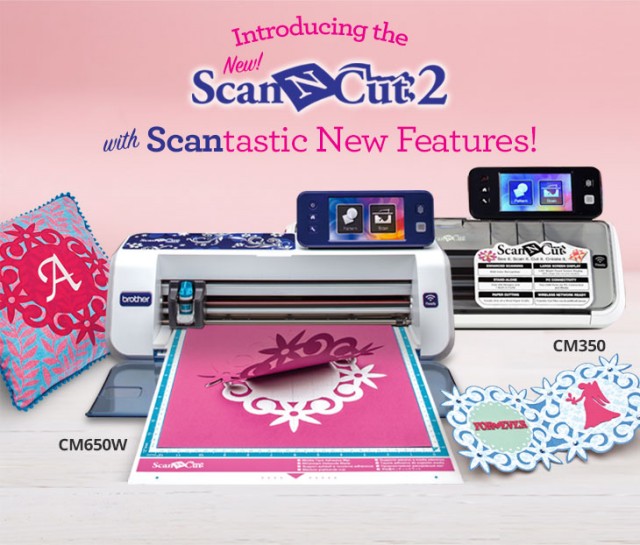
I’m very happily working with Brother and a few months back they flew me out to HQ for a meeting… about the machine you partially see above! (projects made with + machine pictured above are the 650 model) The ScanNCut2 is here! This is quite exciting if you asked me – there are a lot of great new designs, improvements, and also you’ll find new accessories.
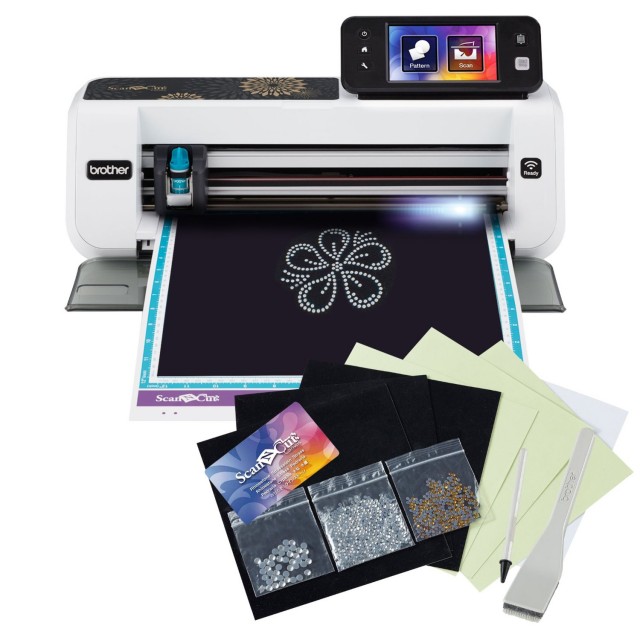
Here’s a deal I just found: the new 350 machine WITH rhinestone kit is available for order on (affiliate link) amazon.com! This makes me so excited because the rhinestone kit is really one of my most favorite things!
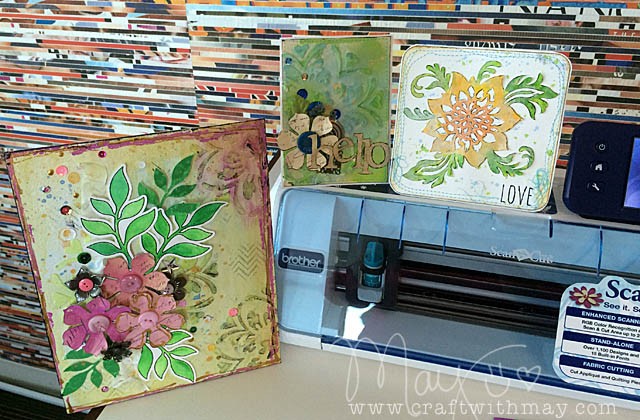
The three projects I made at Brother HQ during our craft session with the new machines are pictured at the top of this post. Want more info? Here’s an introduction video with the lovely Julie Fei-Fan Balzer.
Also, here’s a link to the Brother website. Note that there are two new models (350 and 650) – with significant price difference. If you want to compare the two new models and figure out which is a better fit – here’s a comparison chart.
Now if you’re thinking “May… I have the original machine! Is that still good?” Here’s what I’ll tell you. For the last month I’ve had both machines (SO HARD to keep that a secret!) and even working on them side by side I still love the original. Brother has put so much into improving the original with software updates and they’ve added so much to Canvas (their free web-based no extra software needed application) and the experience has vastly improved from when I very first worked with a prototype of the first machine. My point is – if you’re working with the original you’ve got a real gem! New technology does come out but that doesn’t mean your existing machine is any less fabulous.
Here on my blog now that the news is out you’ll be seeing some projects with my new CM650W soon- and as always if you have any questions feel free to email me or leave me a comment here.