I’m deep in deadlines – but not to worry! I have a share for you here today…
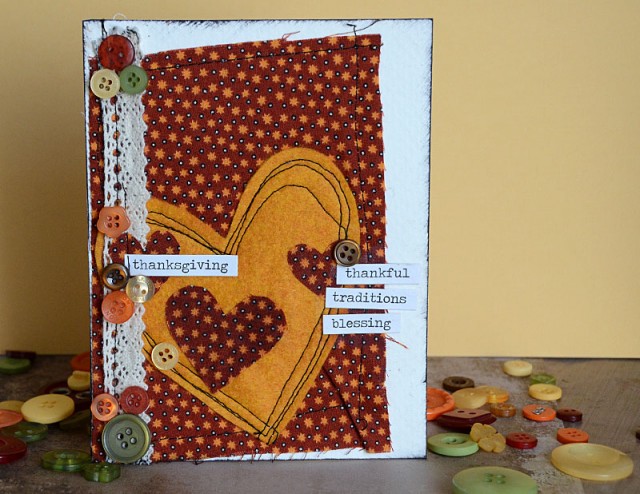
I’m over that the BGM blog (link) sharing a how-to for this fun card today!
no rules, just happy crafting
I’m deep in deadlines – but not to worry! I have a share for you here today…
I’m over that the BGM blog (link) sharing a how-to for this fun card today!
Here you see sneaky peeks from our five guest instructors + my first lesson. Want to join the creative fun? It’s all self paced and you can create with any supplies you happen to have on hand. HUGE THANK YOU to my friends at ellenhutson.com for the discount code exclusive to this class as well! (you know, in case you need to shop!)
For more info and to register check out the class page here.
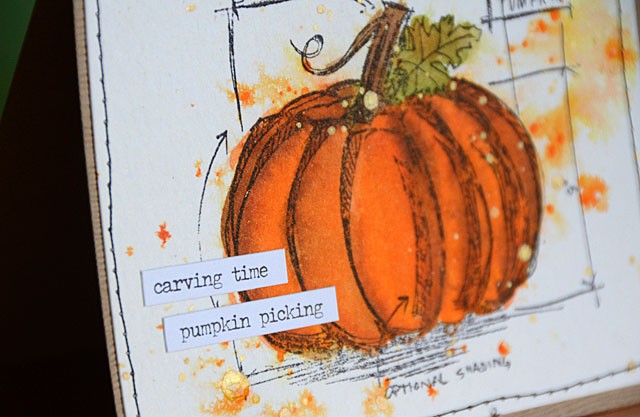
Check it out – Carved Pumpkin in the house! I created a video (link to YouTube) to show you some coloring fun and play with this newest color. I simply framed up the image onto kraft cardstock for my card – got to love simplicity for such a great image!
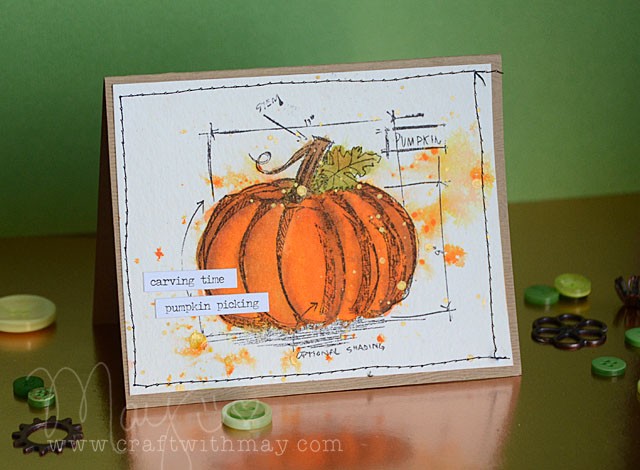
The blueprint stamp is from Tim Holtz as well – one of my favorites!
Looking to shop? I’ve got you covered – and thank you in advance to those who use my affiliate links used below. Costs nothing extra – just helps me keep the lights on and the free content coming! If they aren’t already in stock they soon will be- BlueMoonScrapbooking, Ellen Hutson, and Scrapbook.com carry most if not all of the new Tim Holtz distress line, and so does Simon Says Stamp.
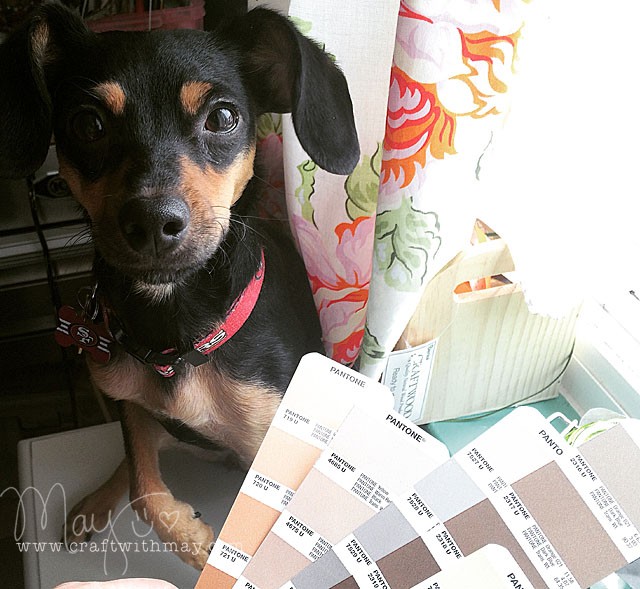
With school back in session these two work hard all day with me. Scrappy is helping me pick some colors for a project, and Ranger is supervising.

These two – so glad they’re in my life and keeping me company here in the studio!
As always, I start my ScanNCut post with the disclaimer that I do work with Brother, and they did provide me with the machine I use. However, all ideas and opinions are mine alone. Now let’s get to the fun stuff because this is AWESOME FUN!
Before I get going this does actually work with ANY ScanNCut model, but you may find that the original machine (vs 2) requires a bit of extra help along the way such as thickening your exterior stamp line. But welding and creating something like this? All ScanNCut machines can! Hooray!
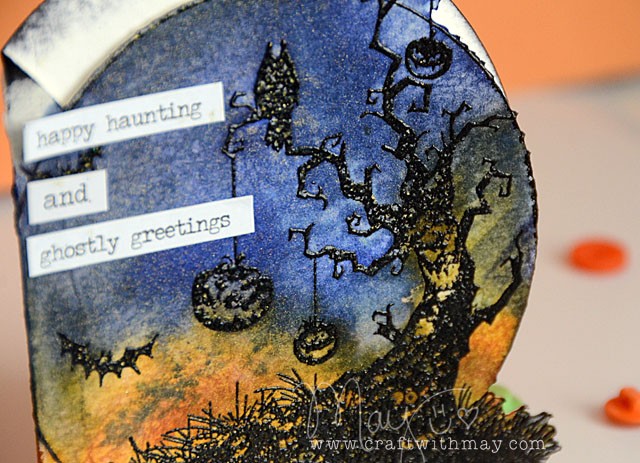
For this card I scanned the stamp but didn’t cut it out. Then welded a circle to the left, then cut it out. So easy, and once done a quick swirl of color, some extra black ink, a bit of sparkle mist, and a few words had my card ready to go out and haunt someone.
For those of you with ScanNCut machines I know you’ll wanna see the exact how-to. So check out the video I uploaded today here: link to YouTube
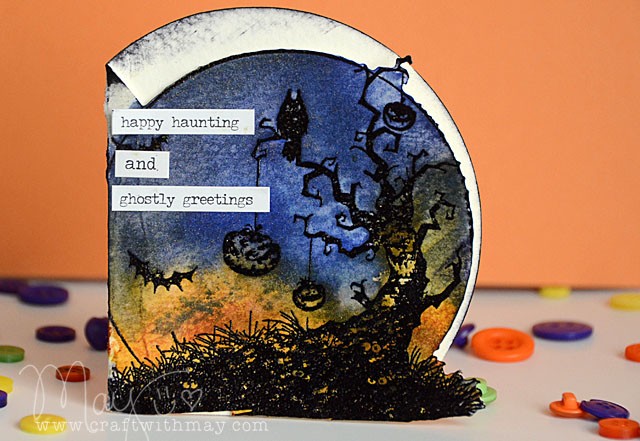
I’m off to haunt some more new ideas and scare up some fun…
Looking for your own ScanNCut2? I use the 650w model, which is exclusively available at Brother dealers. Also available (and that has same functions in general as my machine) is the 350 – aka the other SNC2 model. You can find that all over the place including (affiliate link) Amazon.