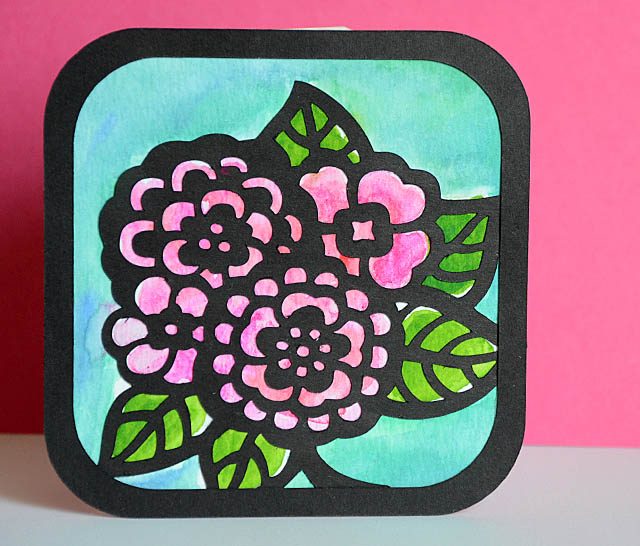
bold watercolor with ScanNCut

As I sometimes do when contemplating use of my ScanNCut, today I got a wild idea. The usual disclaimer that the ScanNCut is a machine I love and use often, all ideas & opinions are my own. That said I am a paid consultant and I always say so on my posts so things are 100% honest and upfront here!

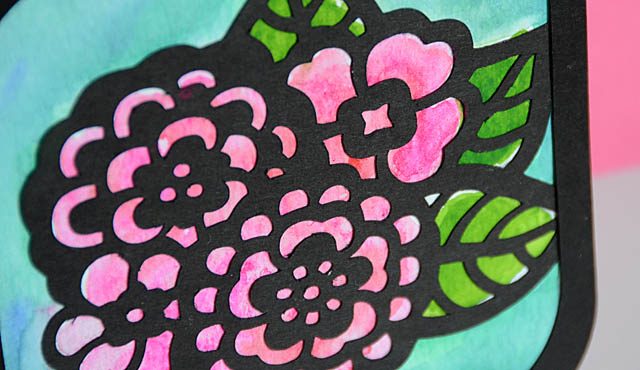
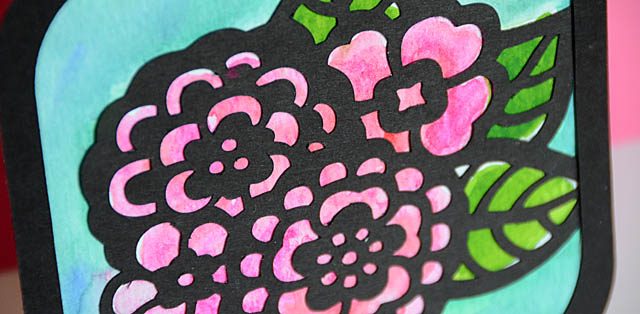
The idea went like this: Could I do some kind of thin black outline, and layer on top of a watercolor background? The answer, is yes and here is my YouTube video tutorial.

I mention in the video I could have gone into Canvas and tried some more editing/creating a single cut file but I didn’t. You see the way my brain works I often do better having physical pieces I put together myself. In fact sometimes when I put all the things together simply and easily in a video I have already done exactly this before filming.

On this card, I really am wowed by how this turned out and I already have a few ideas for changing up the look and layers to get an even more exceptional “wow factor”. I am thinking about using the draw function so I know exactly where all pieces will be and do more in depth color shading as well as building a piece for canvas, shadow box, or home décor project.

When it comes to creative ideas with the ScanNCut, time and time again I find that the only limit is my own imagination – and I love that!

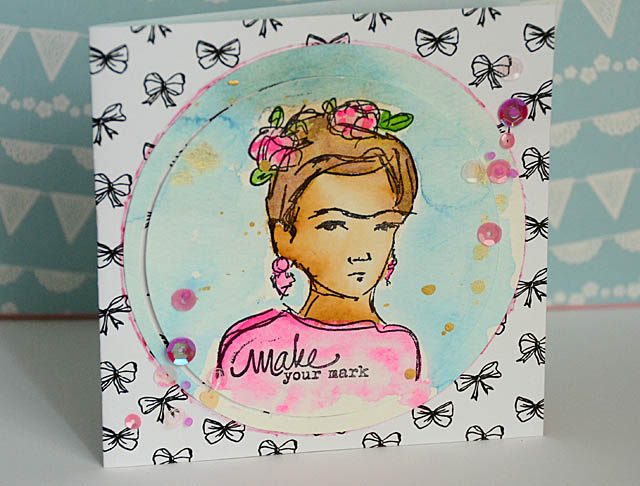
Make your mark: creative play turned into a card

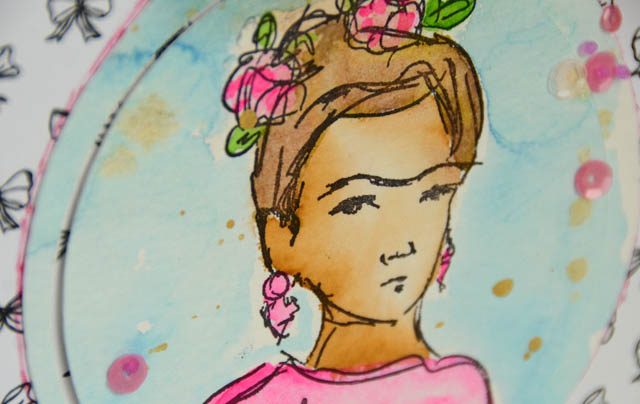
Some days, I just color and play. I might have an assignment for a company like Brother (disclaimer as usual that I am a paid consultant/brand ambassador but as always all ideas and opinions are my own), or I might have some free time and just want to mull  over color combinations or ideas in my head. I’m a huge fan of just take your time, play around, and see what happens.

But what happens when you finish watercoloring and find yourself with a usable image on a  page with many some good and some terrible?

Today’s answer: get out the ScanNCut! Here is a link to my YouTube video.

For something like this, a two-color small pattern background and just a few sequins was all I needed to turn this creative test into a card. I love how this turned out, and I hope I’ve inspired you either to cut loose and play a little more often, or to take your creative experiments and turn them into finished projects simply.

Have a wonderful week!

Mother’s Day Card

When it comes to creating with the ScanNCut (usual disclaimer – I am a paid consultant for Brother, but all ideas and opinions are my own) I love how any of my creative ideas can become reality, and easily!

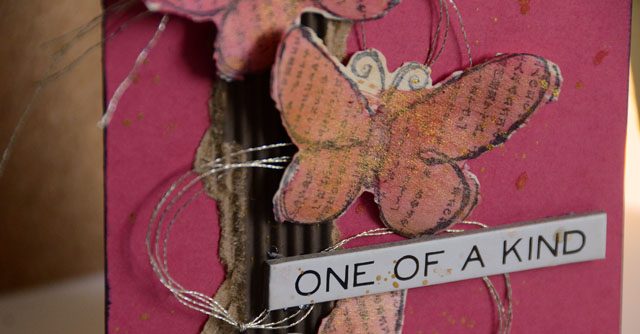
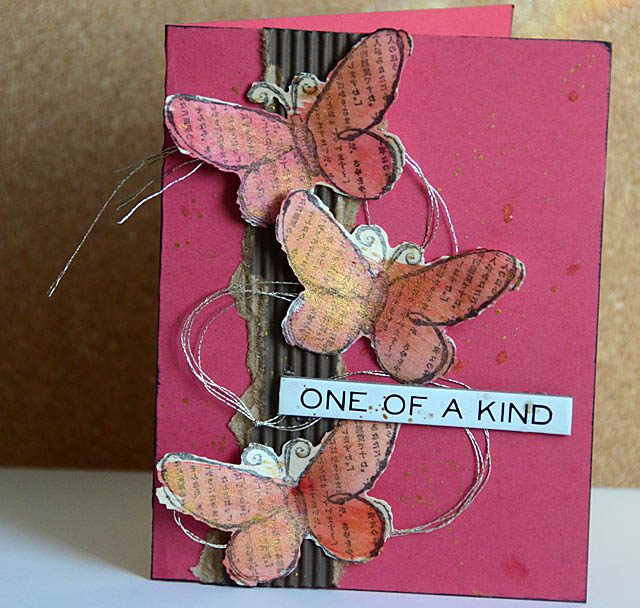
Today I have created a card that could be any occasion – or for Mother’s Day featuring some butterfly stamps that I scanned (and cut) with the machine out of wood veneer paper. Here is a link to my full YouTube tutorial.     

I really love how I am able to cut even stamps like this with a sketchy edge – and I really love the funky scratchy not so straight edge this particular stamp gave me.

Much as I love the butterflies and coloring with them – the gold thread is my favorite part of this project. I just adore adding wild threads here and there on a project, and it adds all the embellishment I need here! I hope I’ve inspired you with this card – are you a fan of butterflies in your crafting? Flowers? What is your favorite motif?

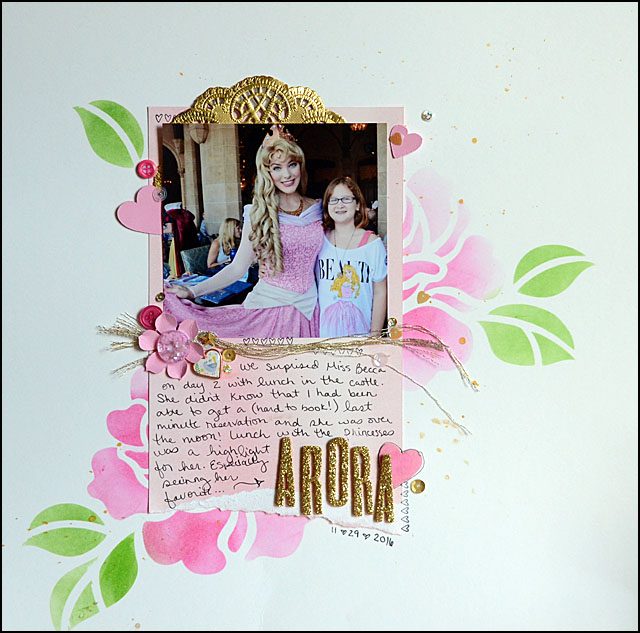
Rose scrapbook page

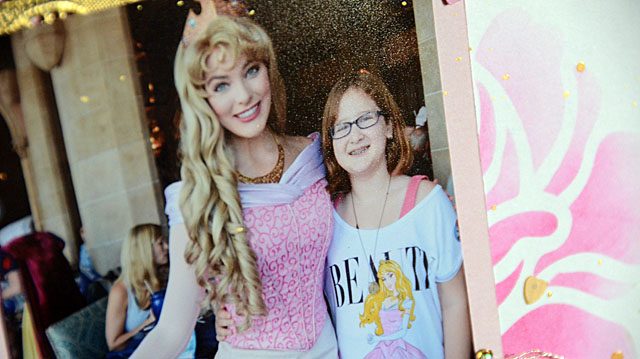
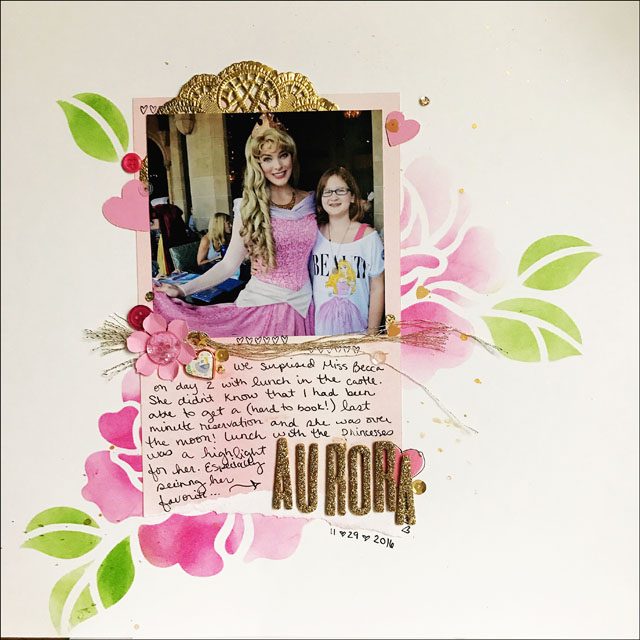
I’ve been making an effort to scrapbook a bit more – and today I’m excited to share with you that I created a layout featuring the ScanNCut and stencil material as well as one of my favorite photos from my last vacation. (disclaimer that I’m a paid consultant for Brother, but all ideas and opinions are my own) I created a full YouTube video tutorial that you can watch here.

I love how this layout turned out!

Using shading and ink, a bit of gold spray and wow! That stencil has long been a favorite design in my machine and this is by far the best way I’ve used it. It reminds me that when I don’t have the right themed embellishments, I should make my own themed stuff with my ScanNCut!

edited to add: I did indeed catch my whoops on my title and fixed it – but I didn’t initially load the right photo of the layout! Whoops x2. That’s ok! When scrapbooking mistakes happen, and we can almost always fix them. By gently removing my letters and re-applying with liquid adhesive I was able to quickly and easily fix my layout with no damage or issue.

In scrapbooking especially, don’t worry about making mistakes… because they’re bound to happen! Know that there’s almost always a fix and usually a fairly easy one and have fun!

Around here (April edition)

This week was a busy one, so today I thought I’d share some glimpses from my iPhone (aka camera I use most) and take you along!

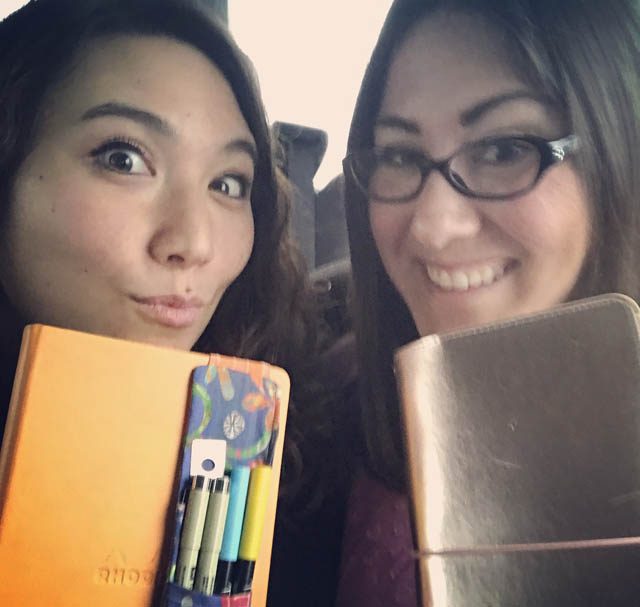
It began at 3am Monday flying to New Jersey (with just a glimpse of NYC!) for a meeting with Brother, and some really great folks. I even got to chat a bit and ride the bus back to the airport Tuesday afternoon with Julie Fei-Fan Balzer – one of my favorite ladies to spend time with.
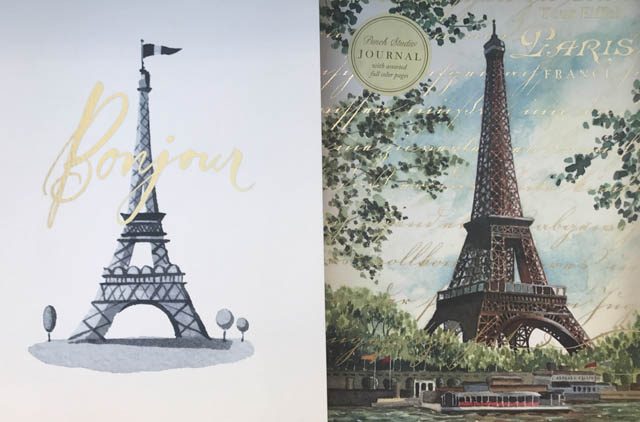
Back home and exhausted, I decided to spend the next day on errands, housework, all that fun stuff. I did find some amazing notebooks – but I couldn’t decide which one I wanted for a trip to Paris in the very distant future so I left them both. Just as well, since I had just turned in my tax payments!
Cruising Target for some toothpaste and shampoo (exciting, I know) I did come across this pillow which gives me some art fiber inspiration and ideas:
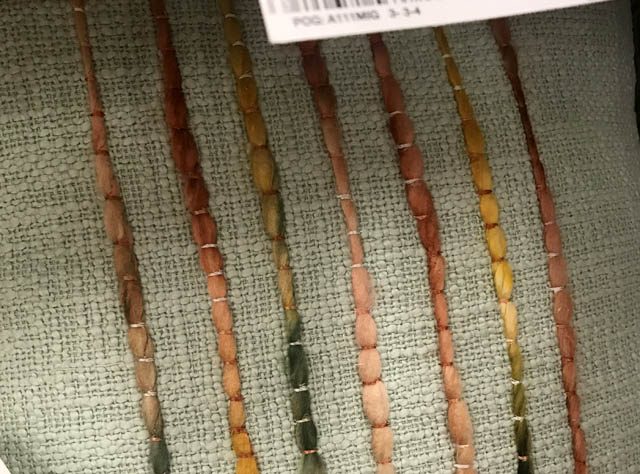
Whenever I see something that gives me a spark of an idea, I try to snap a photo! I can’t always remember the idea, but it does help. Speaking of help, several nice weather days and walks with the crew.
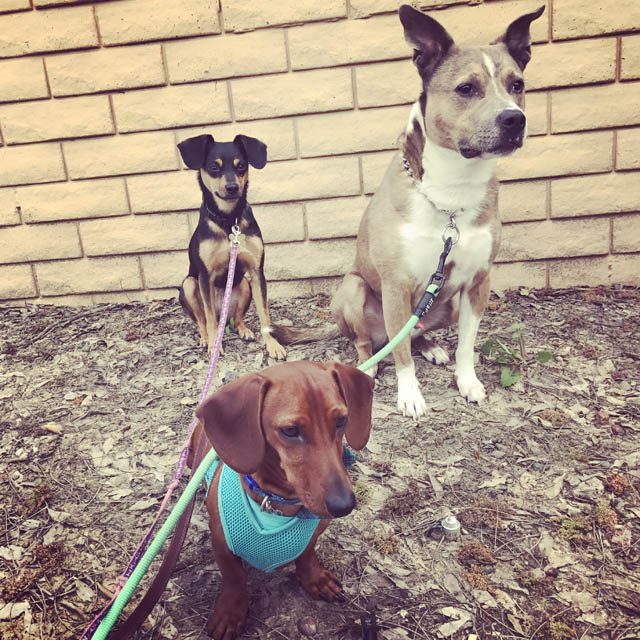
Scrappy, Bandit, and Ranger are all doing well! They love taking walks and love walking down to get the girls after school whenever we can. Speaking of the girls, we enjoyed a Girl Scout meeting at a local pottery painting place.
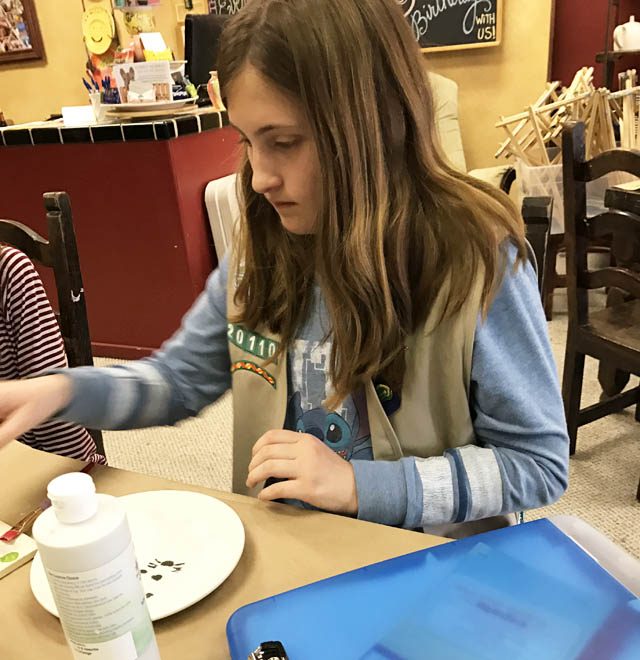
Miss Elizabeth painted some wolves, Becca went with rainbows on her plate. Love doing these monthly meetings and activities!

Speaking of activities, the next morning it was off to the scrapbook store!
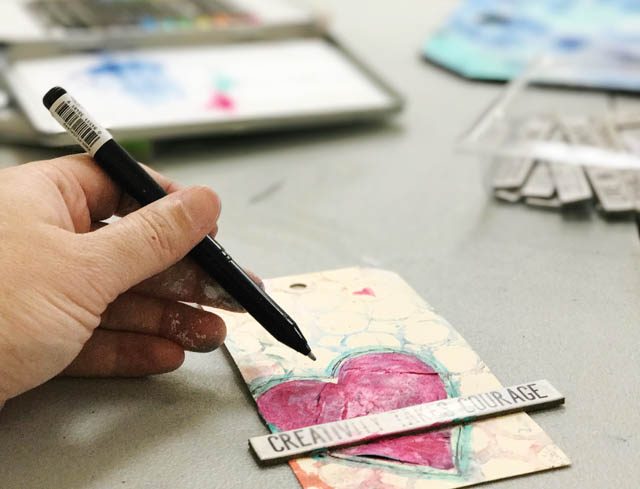
It’s All About the Scrapbook has a lovely space, and Rebecca and I spent the day cropping with the most wonderful ladies. So fun, always inspiring, and I can’t wait for next time!
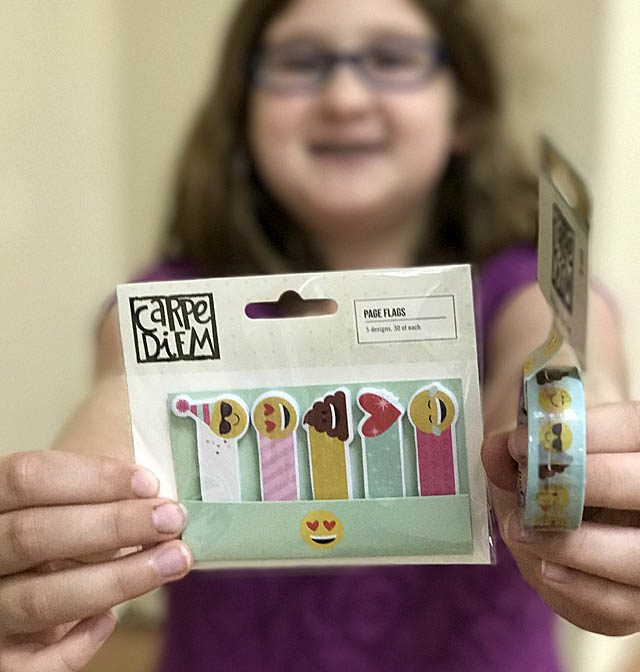
Rebecca fell in love with the “emoji” line from Simple Stories, while I was really into the new Dina Wakley Scribble Sticks. (Video coming soon)
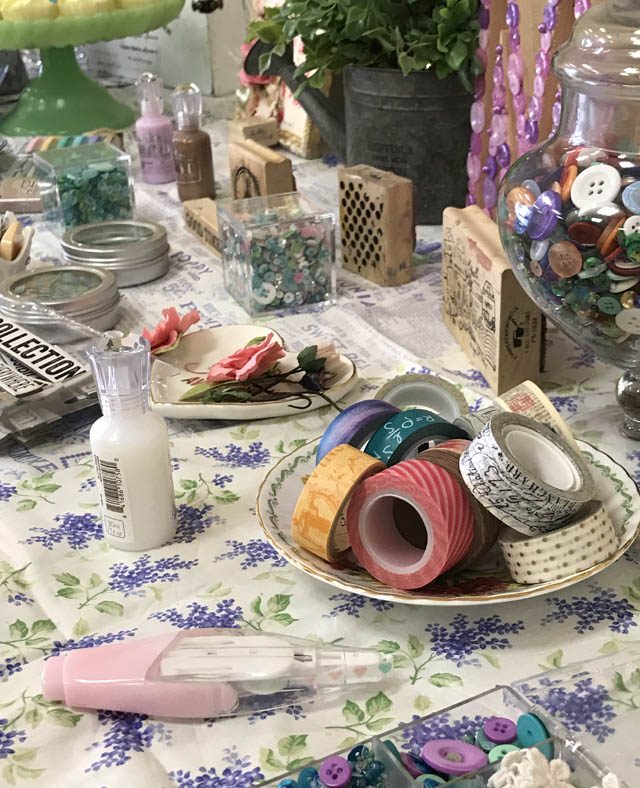
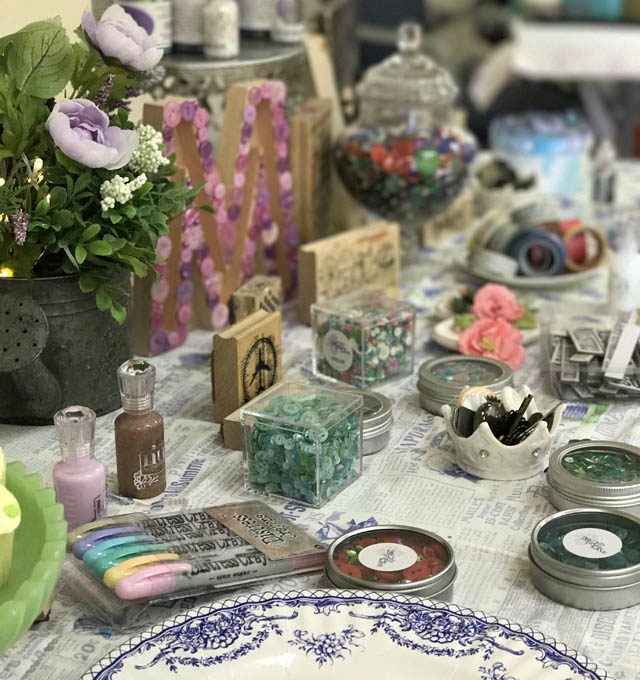
Something new I am doing when hosting events, is to be sure and have an “art table”. I bring things from my studio that I love to share, as well as visual inspiration and things to check out! Here you can see a few photos of the table set up. Cookies to washi tape – I had plenty of fun to share!
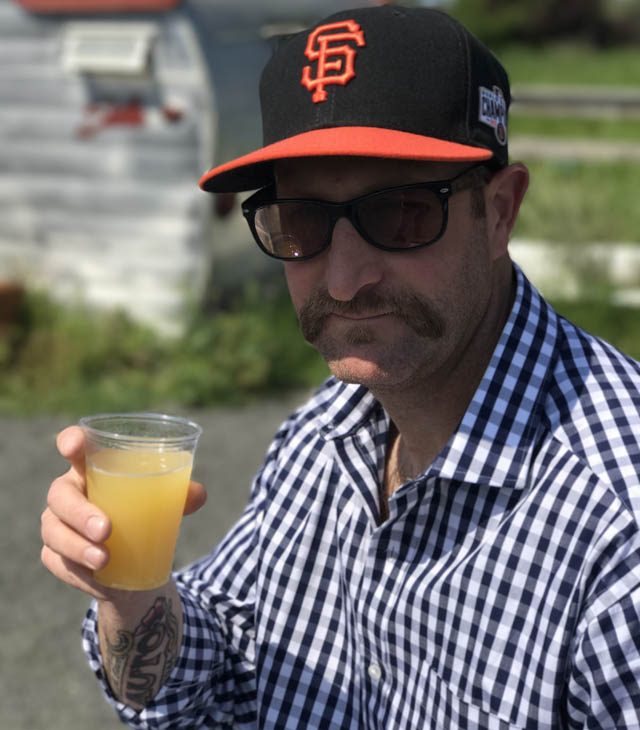
Speaking of fun – Sunday it was off to the Fremont Diner in Sonoma, CA for a birthday lunch for Jason. We love this place – such great food and a wonderful vintage vibe. Plus they have mostly outdoor seating so the (little) dogs came with us. Ranger just gets too dang excited to handle being still around so many new friends. ha!
And now as I type this it’s Monday evening once again. That sure was a busy week!! Now I’m back to working on my online classes, assignments, some fun videos for YouTube and here, and more. Well, I will be as soon as somebody convinces Bandit he doesn’t “need” to be in my face…
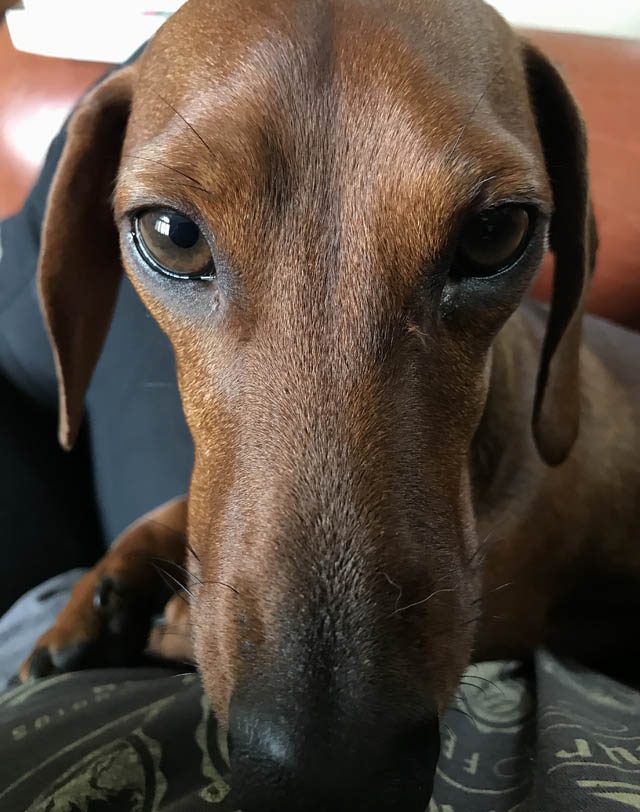
I hope you’re having a wonderful week – and making some fun moments among the chaos. I’m looking forward to a blissfully quiet Easter weekend, and to carving out some creative time this week to get my ideas from my brain into reality!